
Get from confusing manuals to happy customers that value the ease of your products.
SIMPI turns your existing product content into guided walkthroughs that help customers choose, set up, use, and maintain your product. One SIMPI walkthrough, covering every customer touchpoint.
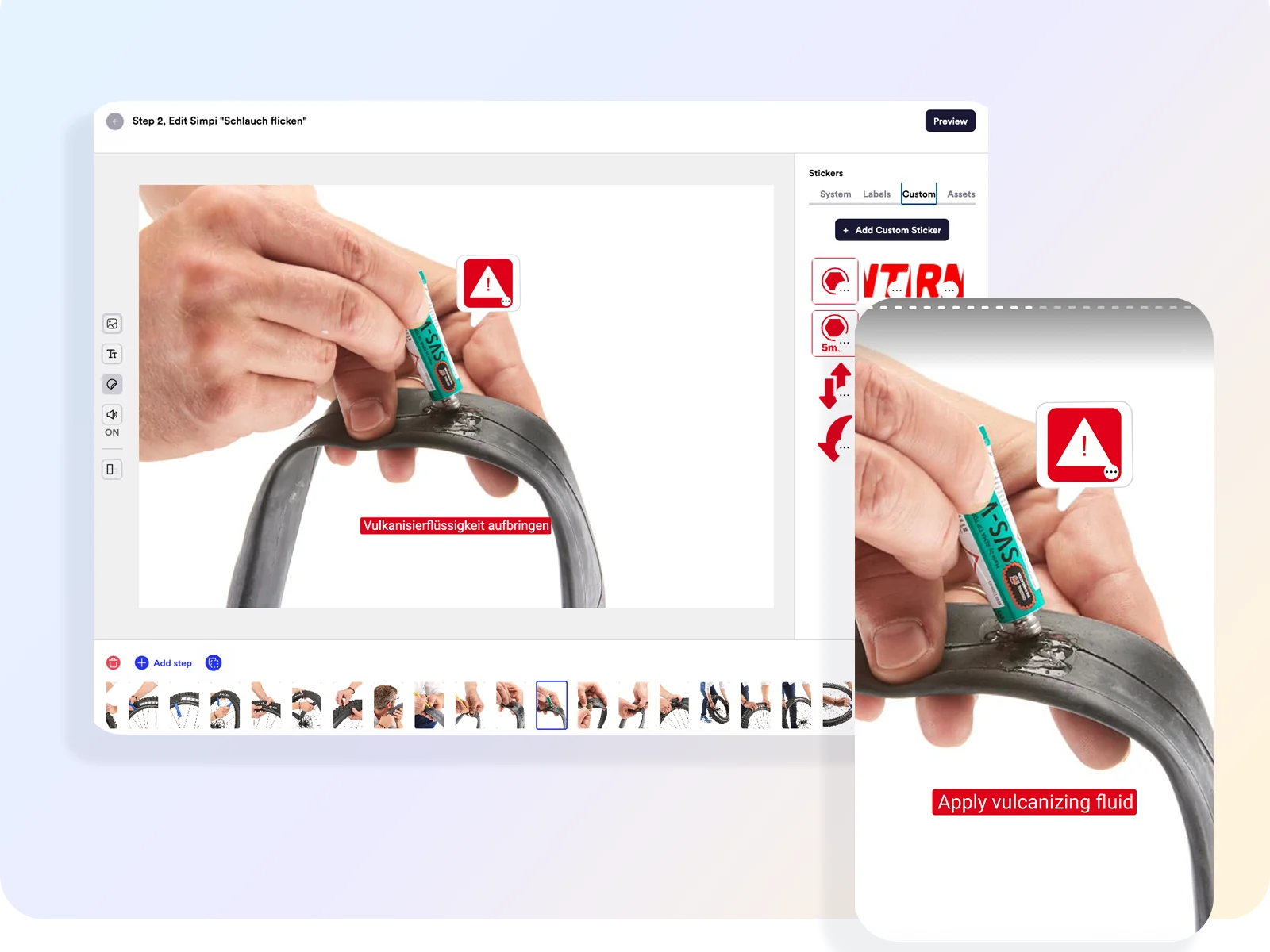
One automated workflow, from source material to published SIMPI walkthrough.
Upload, generate, capture, edit, translate, and publish with the SIMPI editor, without stitching together external tools for transcription, translation, and video editing.
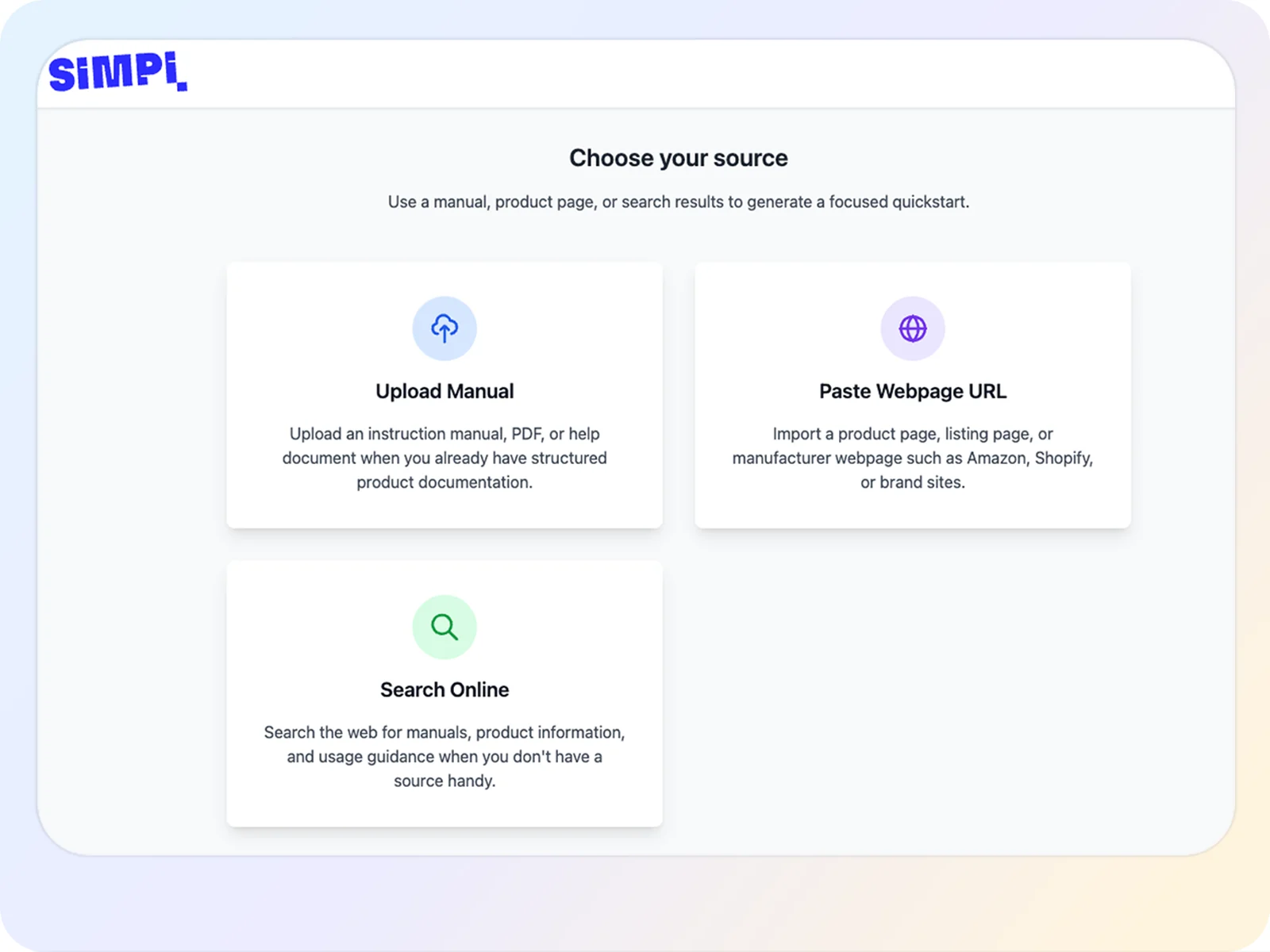
Start with the product information you already have.
Import a PDF manual, a listing page, or a rough text document and your product photos.
- Import PDF documents, web pages, documents, and images in one place.
- Combine multiple source types in the same project.
- Directly import existing product content instead of converting them to compatible formats.
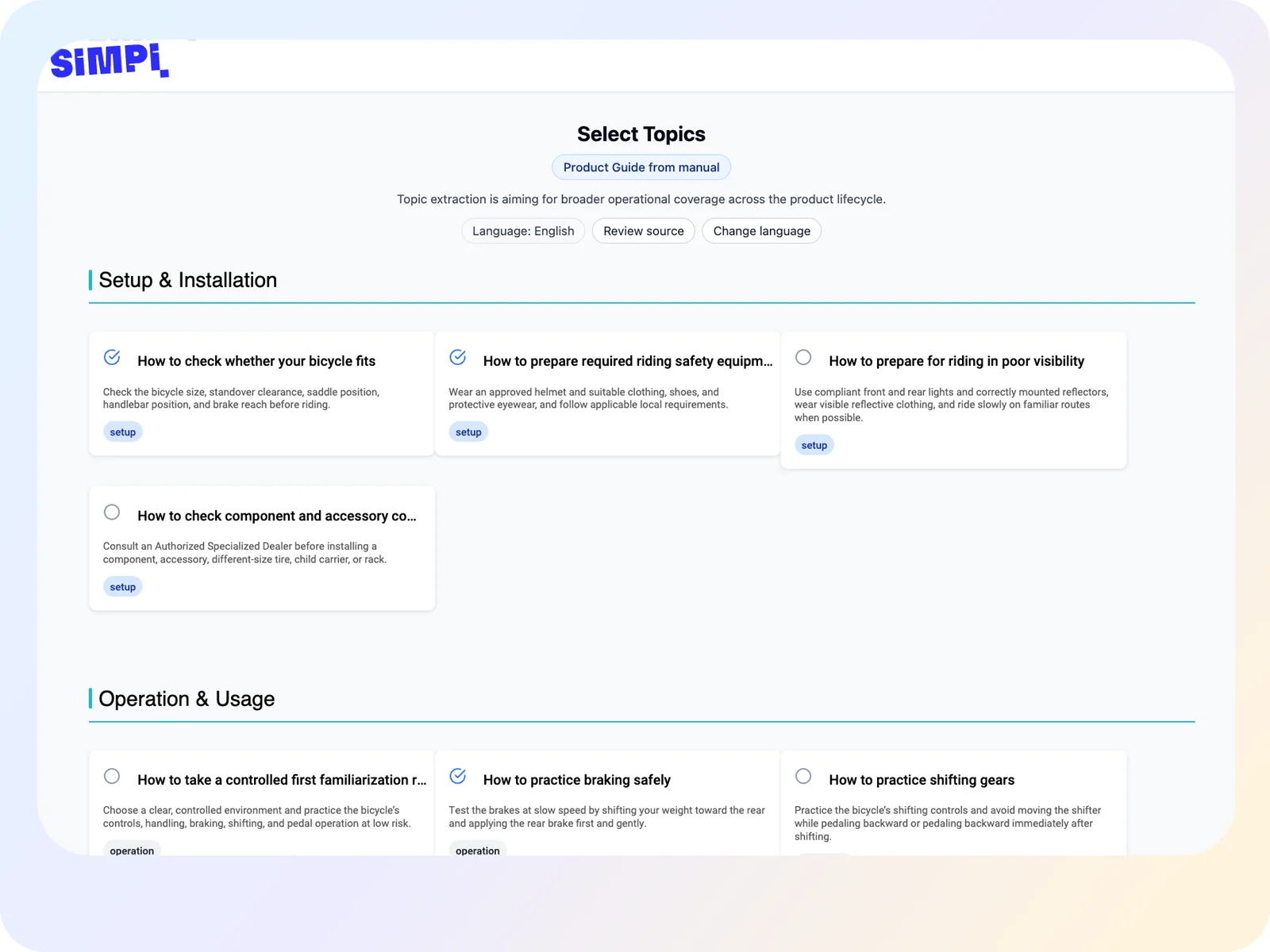
Turn product documentation into a grounded first draft.
SIMPI Maker reads your imports and drafts a clear, step-by-step walkthrough.
- Every sentence stays grounded in and traceable to its source.
- Check the supporting evidence directly in the editor.
- Start with a generated working draft instead of a blank page.
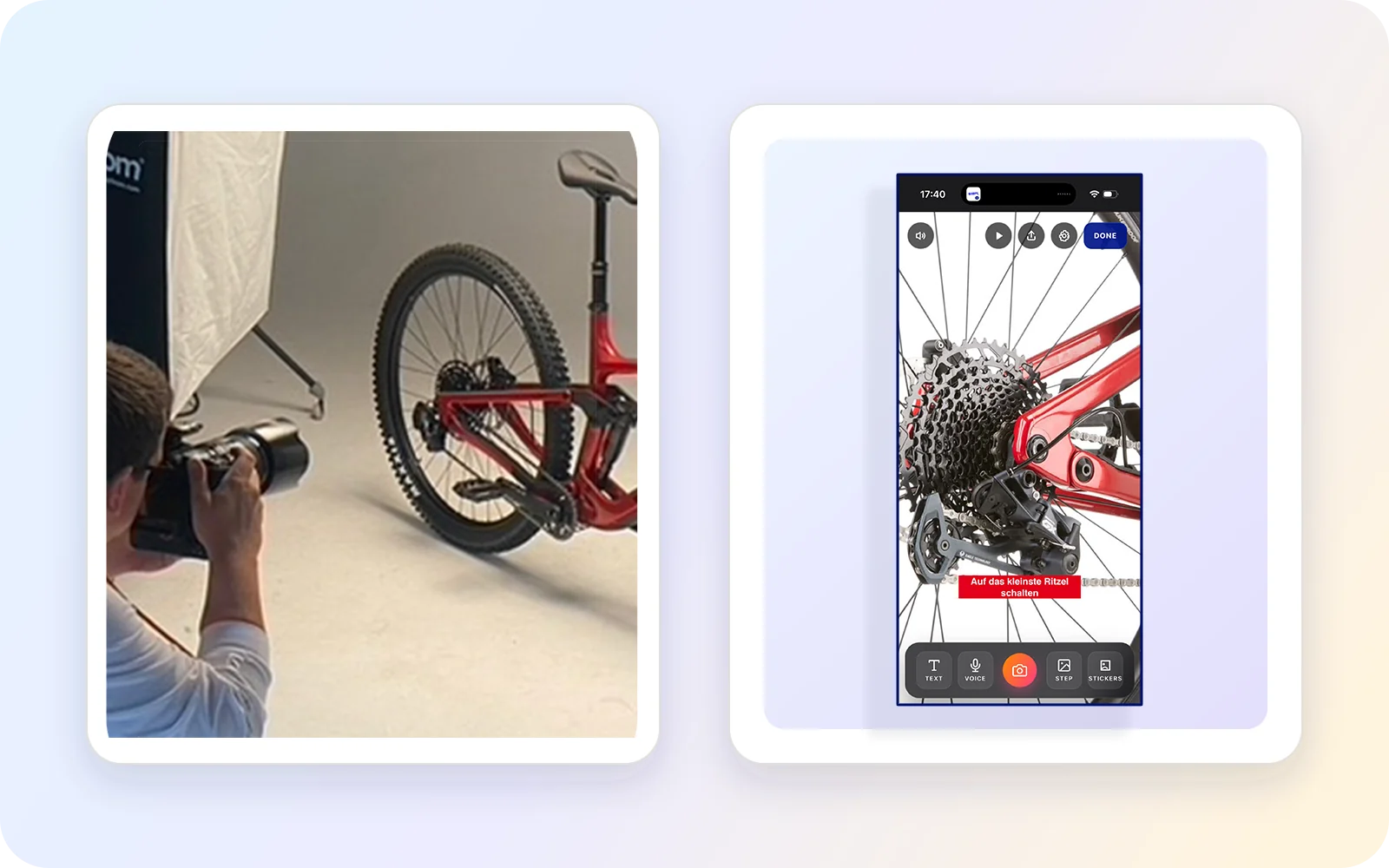
Capture it yourself, or let a SIMPI partnering studio handle it.
Shoot in DIY-mode on your phone for fast and authentic results, or use professional photography and video if that better matches the purpose.
- Capture photos and short videos from your phone while you perform every step.
- Use professional photography or video for high-end presentation.
- Mix both: practical steps captured with the SIMPI App, and polished hero shots from a studio.
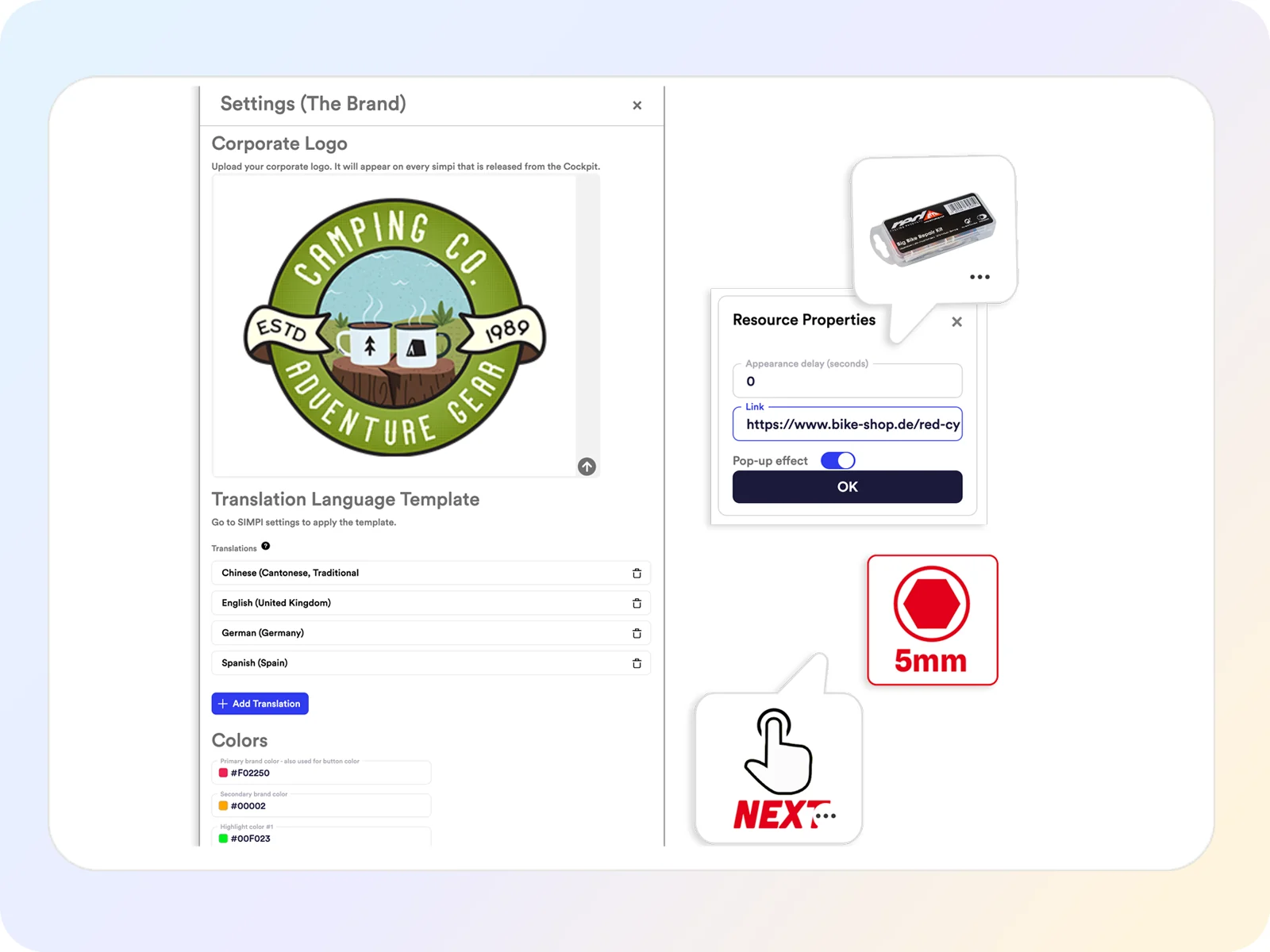
Make it unmistakably a walkthrough of your brand.
Logo, colors, style, every product walkthrough matches your brand.
- Remove, add or reorder steps, if you need more or less detail.
- Apply your brand kit automatically across every SIMPI walkthrough.
- Check in Preview what your customers will see.
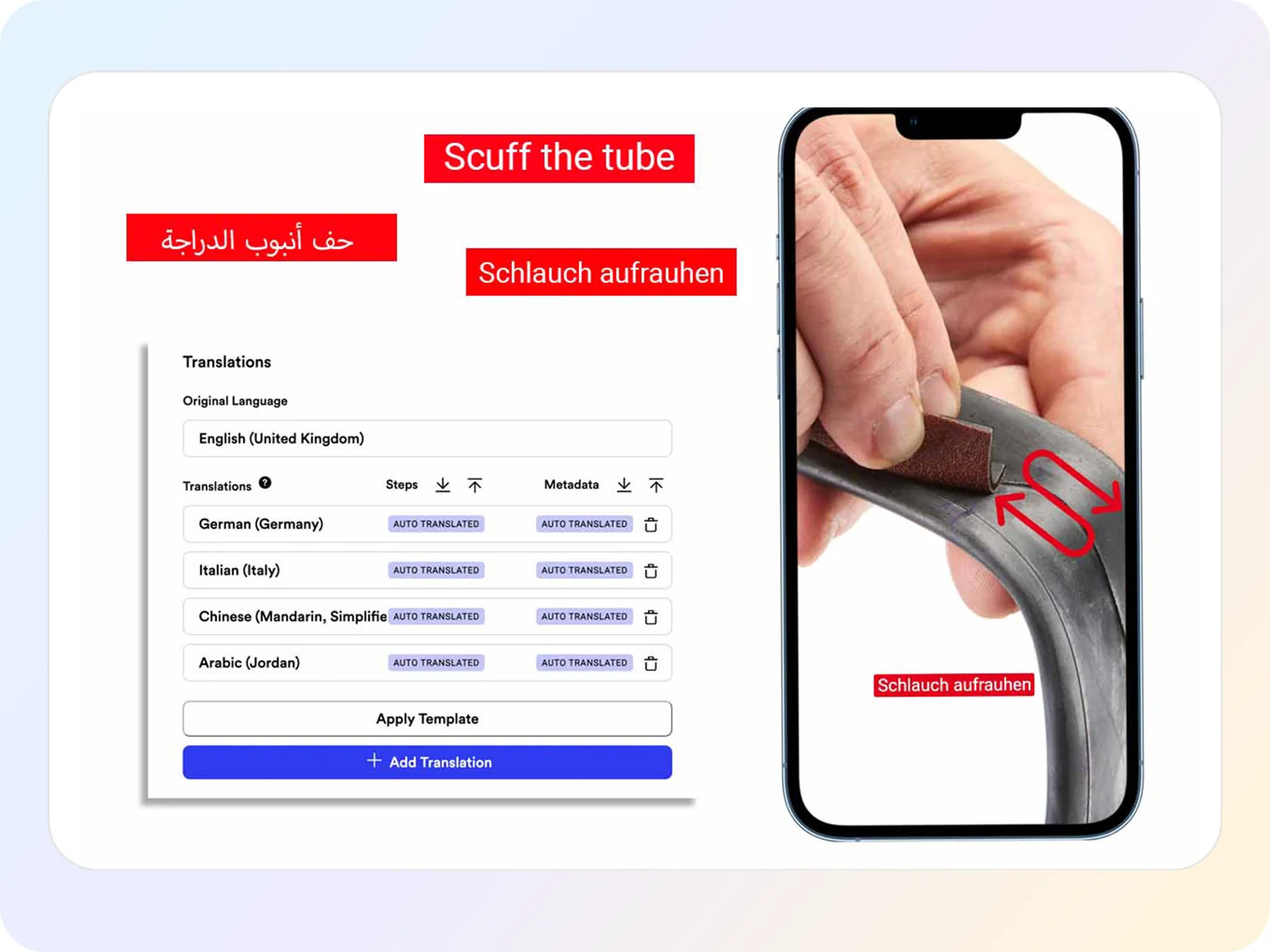
Create content in one language. Publish in 24+ languages.
Locales are automatically synced with your changes in the background.
- Keep every language aligned with the source.
- Generate natural voice guidance for each step in 24+ languages.
- Route translations to your team or QA department for approval before publishing.
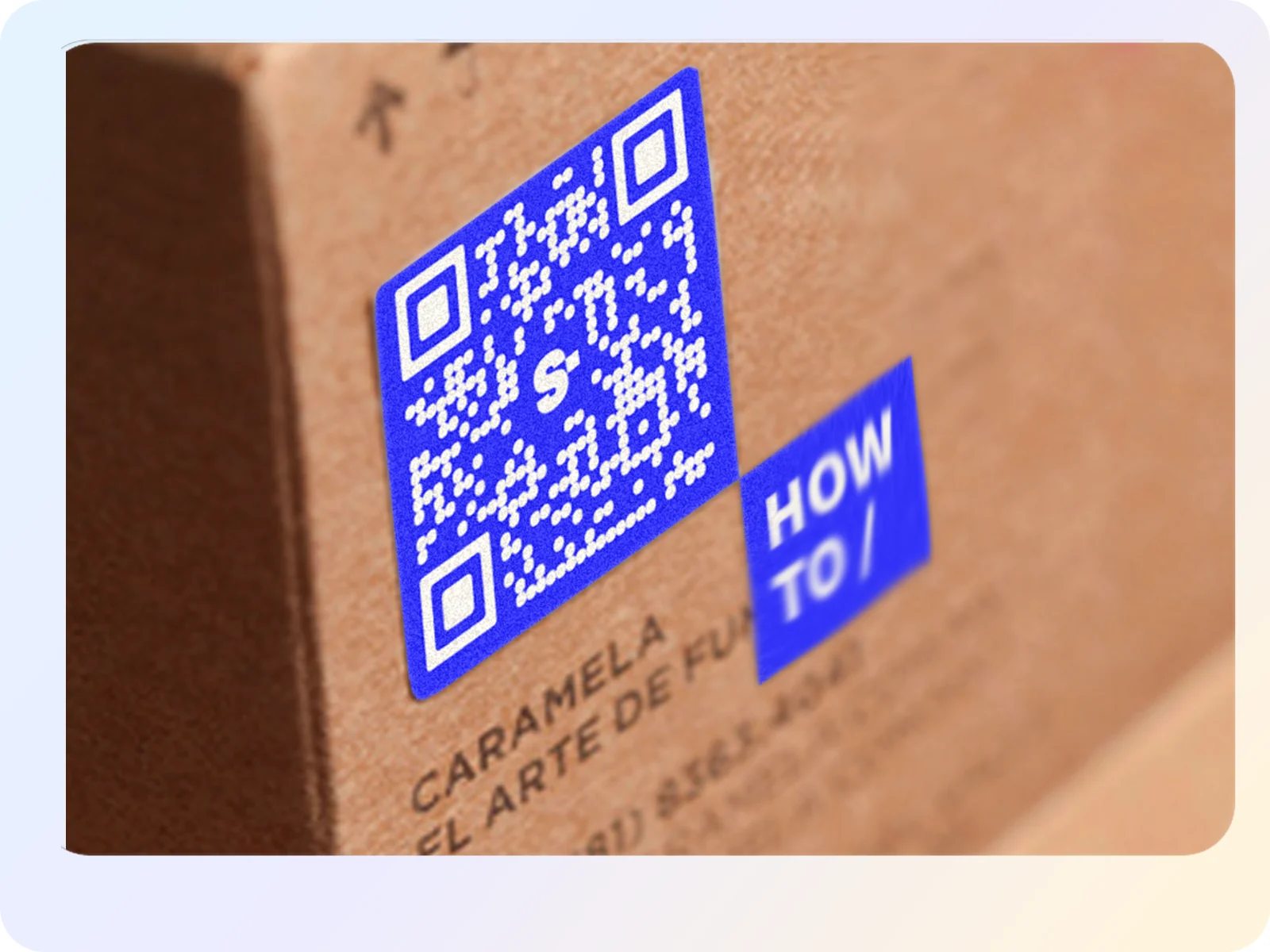
One single QR code. The destination stays always current.
Print the QR-code directly on the package. The code always remains valid even if the SIMPI walkthrough changes.
- Update your content the QR code remains the same.
- Use the same walkthrough on the box, in a listing, in email, or on your website.
- Redirect the QR code when a product gets obsolete or exchanged.
- Guide your customers along every step: from setup, to operation and care, and repair if something isn't working.
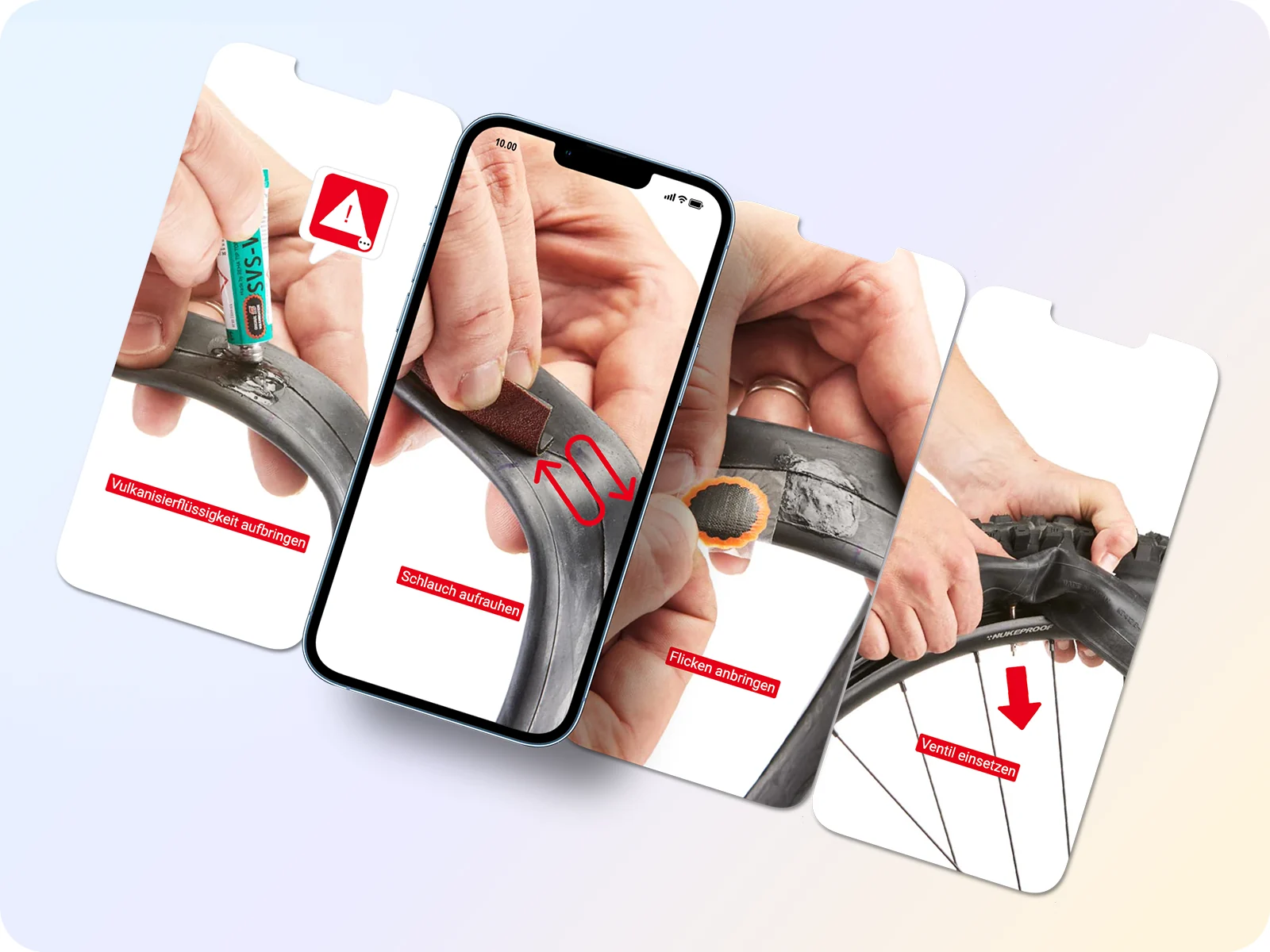
What your customer sees.
No app installation, no sign-up. Customers scan the QR code and start.
- Move through short steps at their own pace.
- Switch the localization any time.
- Add external links at each step, for support-contacts, replacement parts, or a sales campaign.
Use those insights to optimize the walkthrough further and further.
Understand where customers stop or struggle, then improve the step and re-deploy instantly.
- Analyze in detail how customers use your workflows.
- Identify and replace confusing steps before they contribute to more support requests or returns.
- Use those insights to improve the walkthrough in the editor.
See it end to end
Explore the published bicycle-repair walkthrough from the workflow above. Open it here or scan the QR code on your phone.
 Open the bicycle repair SIMPI walkthrough